
User Manual
This section provides a detailed description of each feature of the program. It explains how to create, edit, view, and analyze an open channel model, as well as how to use the different tools available in the interface.
The purpose of this manual is to serve as a reference for understanding the complete functionality of the software, from the initial project configuration to the interpretation of the results. You can consult it at any time to resolve specific questions about the use of a feature or workflow.
Input parameters
Section titled “Input parameters”Type of analysis
Section titled “Type of analysis”The types of analysis allow you to add new calculations when running the model.

Types of analysis available:
- Pile group
Foundation soil
Section titled “Foundation soil”The foundation soil is used to calculate the bearing capacity. It supports multiple layers of soil.
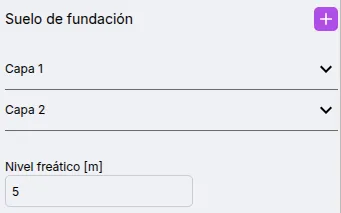
Available parameters for the foundation soil:
- Water table
- Soil Layers
Add and edit soil layers
Section titled “Add and edit soil layers”The foundation soil supports multiple layers.
To add a new soil layer, click on the button.

A new soil layer will appear in the list.
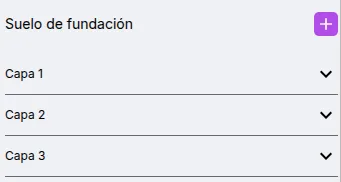
To edit the parameters of a layer, click on it in the list. You can now view and edit the available parameters.
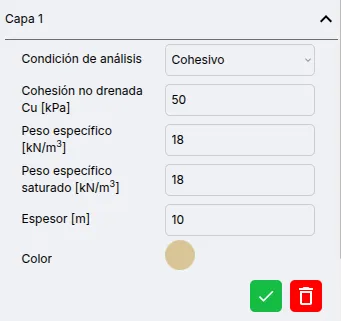
After editing, press the ** ** button.

To remove a soil layer, press the ** ** button.

Available parameters for soil layers:
- Soil type: Cohesive or frictional
- Undrained Cohesion
- Friction angle
- Unit weight
- Saturated unit weight
- Thickness
Structure
Section titled “Structure”Rectangular/square and continuous structures are supported.
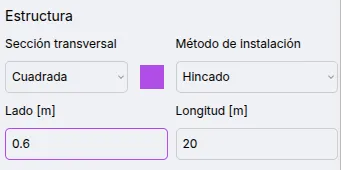
Available parameters:
- Cross-section: circular or square
- Installation Method: Piling or excavating
- Side/Diameter
- Length
Pile group
Section titled “Pile group”The pile groups are arranged in a rectangular grid.
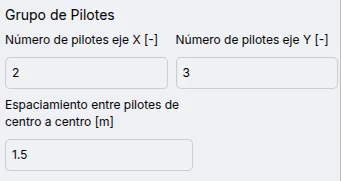
Available parameters for pile groups:
- Number of piles along the X-axis
- Number of piles along the Y-axis
- Center-to-center pile spacing
The loads are used to calculate the safety factor.
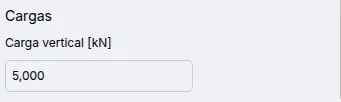
Available parameters:
- Vertical Load
Model verification
Section titled “Model verification”Checks implemented:
- The length of the pile must be less than the sum of the thicknesses of the soil layer.
Results
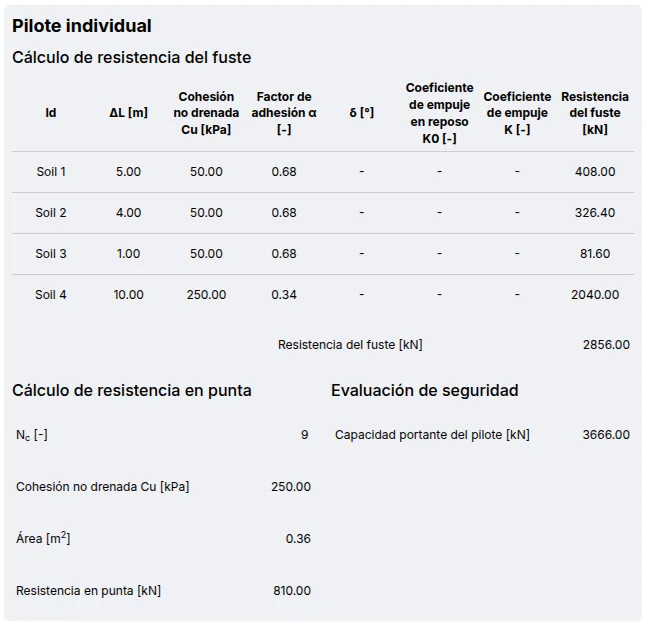
Section titled “Results”Individual pile
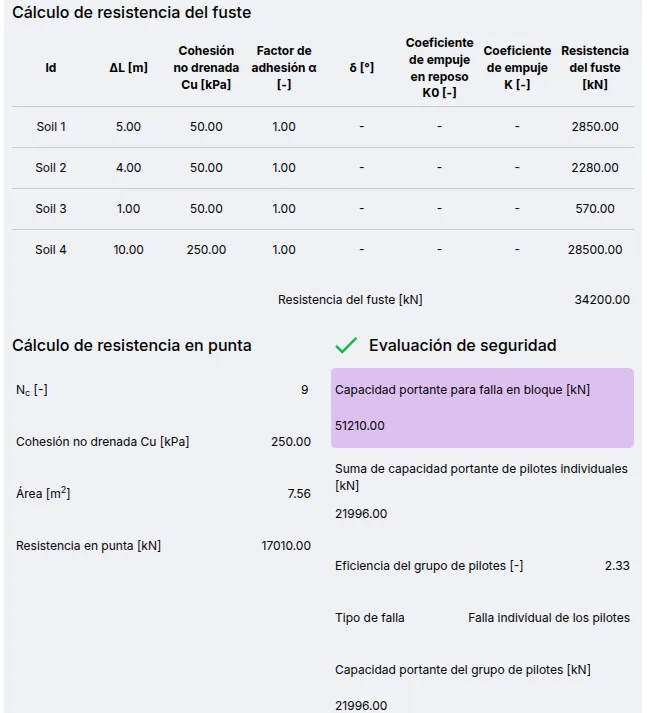
Section titled “Individual pile”It shows the calculation of the load capacity of an individual pile, including resistance parameters for each type of soil along the axis and at the tip. The safety factor is compared to a value of 3.0.
Pile group
Section titled “Pile group”It displays the block failure results and efficiency calculation. The safety factor is compared to a value of 3.0.