
Tutorial 1: Composite Channel
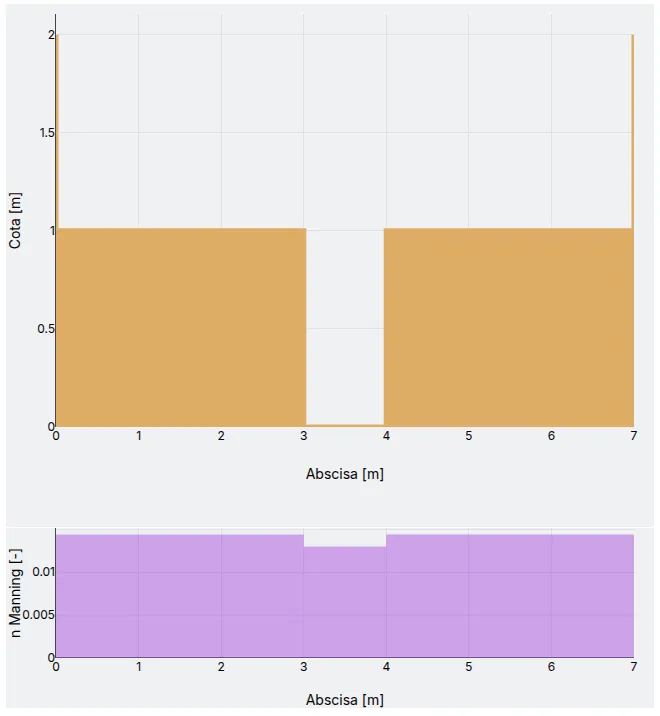
Calculate the hydraulic parameters of the open channel shown in the following figure.
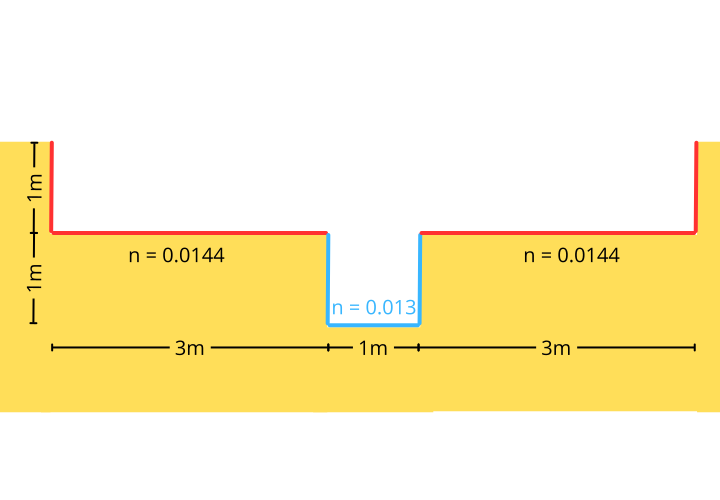
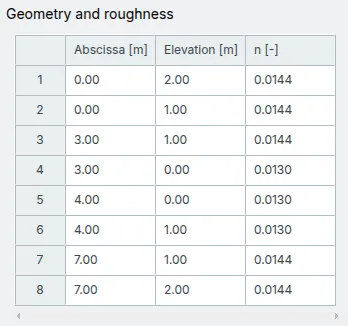
The channel coordinates are:
| x [] | y [] | n [] |
|---|---|---|
| 0.00 | 2.00 | 0.0144 |
| 0.00 | 1.00 | 0.0144 |
| 3.00 | 1.00 | 0.0144 |
| 3.00 | 0.00 | 0.0130 |
| 4.00 | 0.00 | 0.0130 |
| 4.00 | 1.00 | 0.0130 |
| 7.00 | 1.00 | 0.0144 |
| 7.00 | 2.00 | 0.0144 |
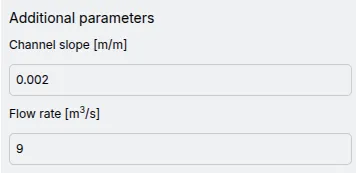
The slope of the channel is and the flow rate is .
Getting Started
Section titled “Getting Started”Whether you’re in My Workspace or at a project work location, go to the App.
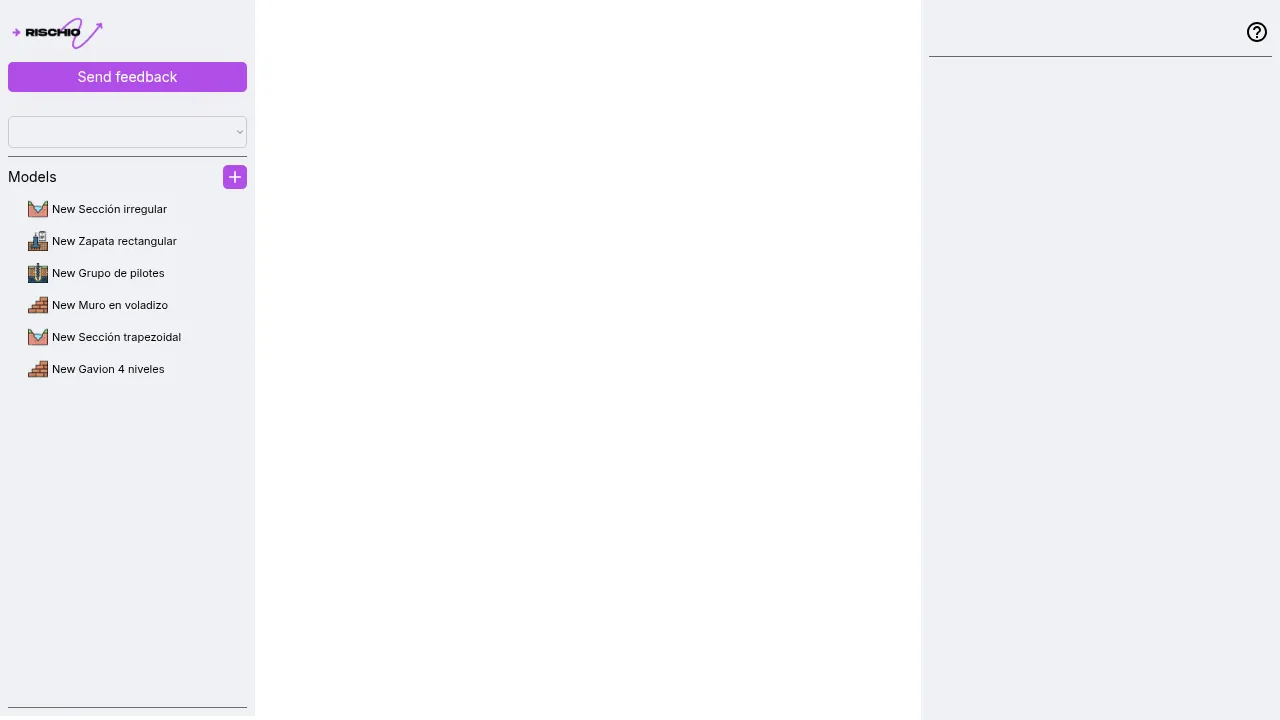
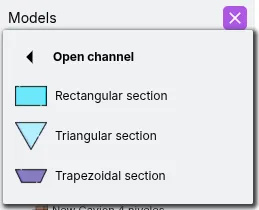
In the left panel, locate the Models list and click the New Model button to open the menu. Next, select Open Channel and choose any template.
Geometry and roughness
Section titled “Geometry and roughness”- In the right panel, locate the Geometry and Roughness section. Copy the bed coordinates from this guide, then select the first cell in the editor and paste. Make sure to copy only the values, not the column headers.
Additional parameters
Section titled “Additional parameters”- In this section, enter the values for Channel Slope and Flow Rate.
Results
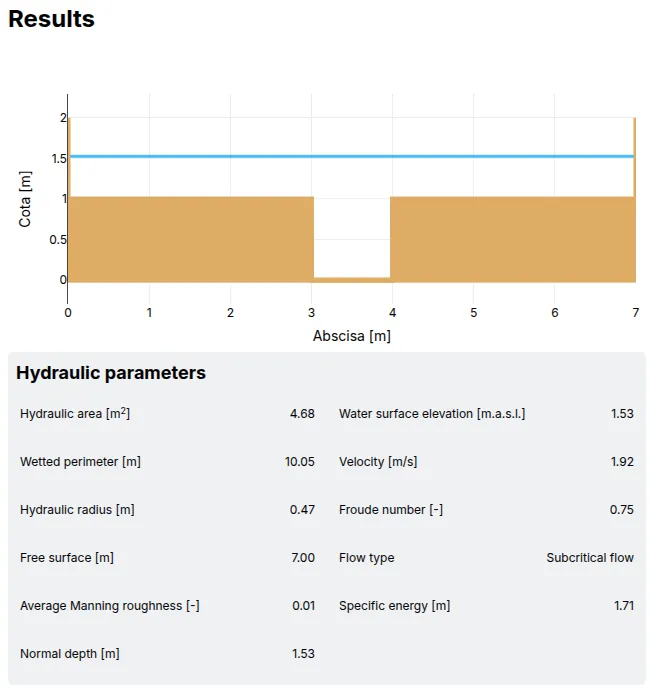
Section titled “Results”Once all parameters have been set, verify that the structure looks as expected.
Click the run button at the top of the right panel to run the model.

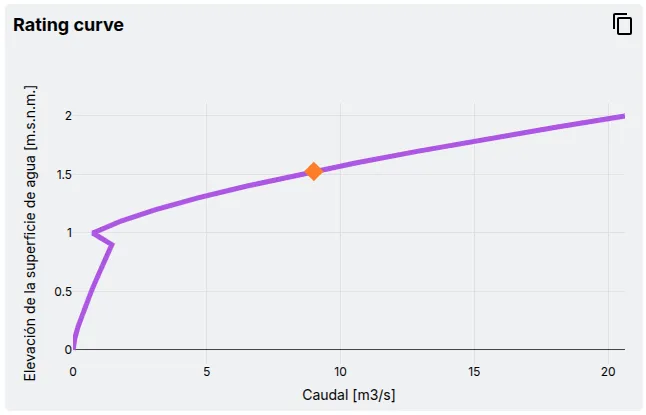
The Results tab will be activated and will display the results of the analysis.