

Free geotechnical software ranges from a spreadsheet that checks one footing to a design program with a free plan. Whichever you use, the engineer who signs the design answers for its numbers, so the test of a free tool is the same as for a paid one: can you see how it calculates, and does it reproduce the worked examples you trust?
This guide sorts the kinds of free tools, lists what to check before relying on one, and sets out what Rischio gives for free: a free plan with its four design tools, and calculators that need no account.
Kinds of free geotechnical software
- Spreadsheets, your own or shared by colleagues and lecturers. They are transparent when every formula is visible, and hard to audit when cells are locked or copied between versions.
- Online calculators for one check, such as a bearing capacity, an earth pressure coefficient or a pile’s capacity. They give a first number quickly for one simple case.
- Programs from public agencies and universities, usually written for one method or one type of structure.
- Open-source and research codes, often for numerical analysis, which expect the user to know the method well.
- Free plans, trials and student licences of commercial software, on each vendor’s published terms.
What to check before you trust a free tool
- The method and the code. A bearing capacity can come from Terzaghi’s equation, the general equation or AASHTO’s, and a wall can be designed with factors of safety or with LRFD load and resistance factors. The tool should say which it uses, and the one your project’s code requires should be among them.
- Whether it shows every equation with your numbers in it, and the intermediate values, so that you can check a result by hand.
- Whether it reproduces known answers. A tool checked against the worked examples of recognized references, with its answers published beside theirs, shows where it agrees with them and where it differs.
- What it leaves out. The water table, an eccentric or inclined load, layered soil and a sloping backfill each change the answer, and a tool that ignores them solves a different problem.
- What you can hand in: a calculation report with the inputs, the method, the checks and the sources, or only a number on a screen.
- Where your models are saved, and whether you can take them with you.
Free retaining wall design software
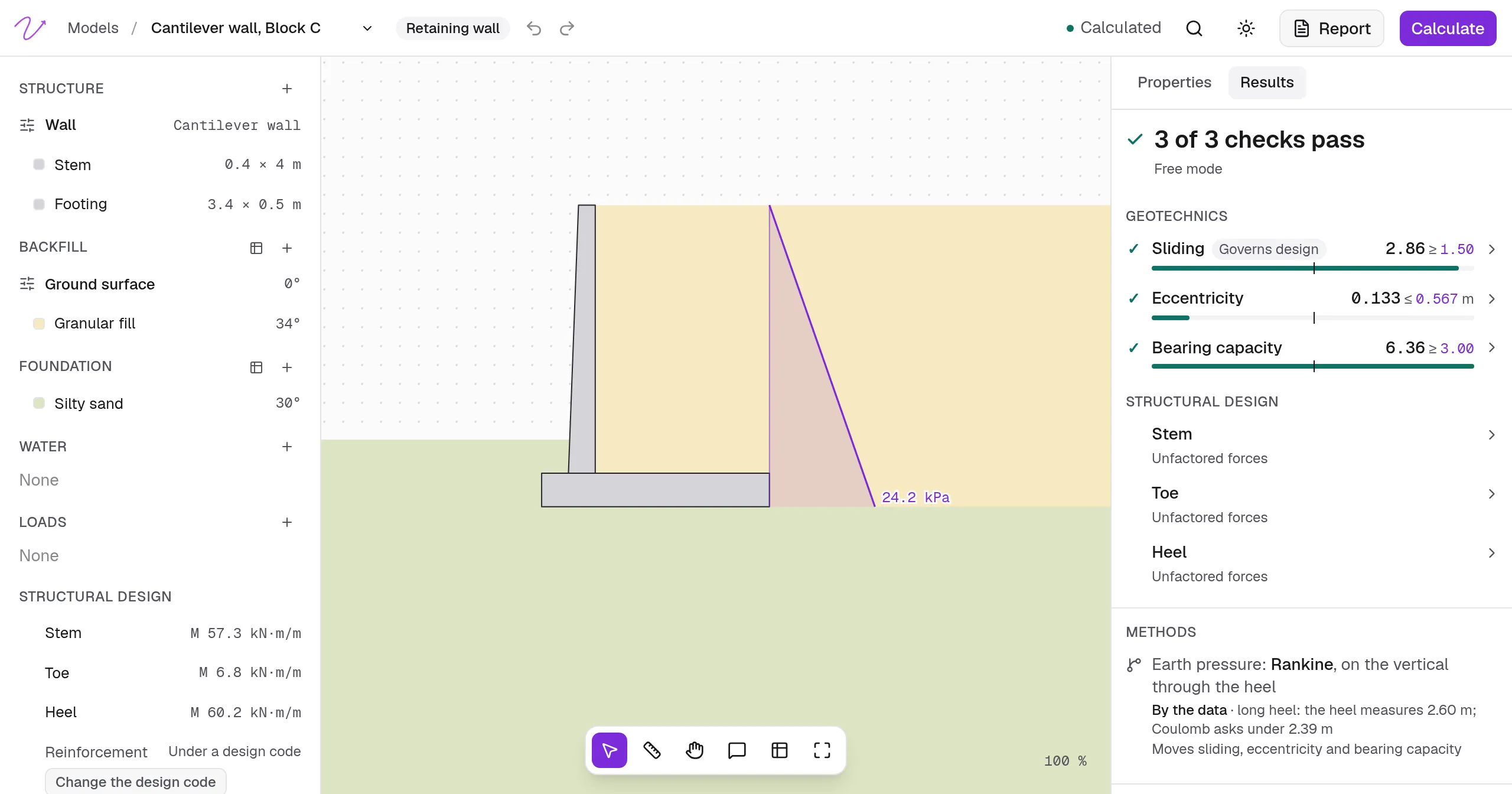
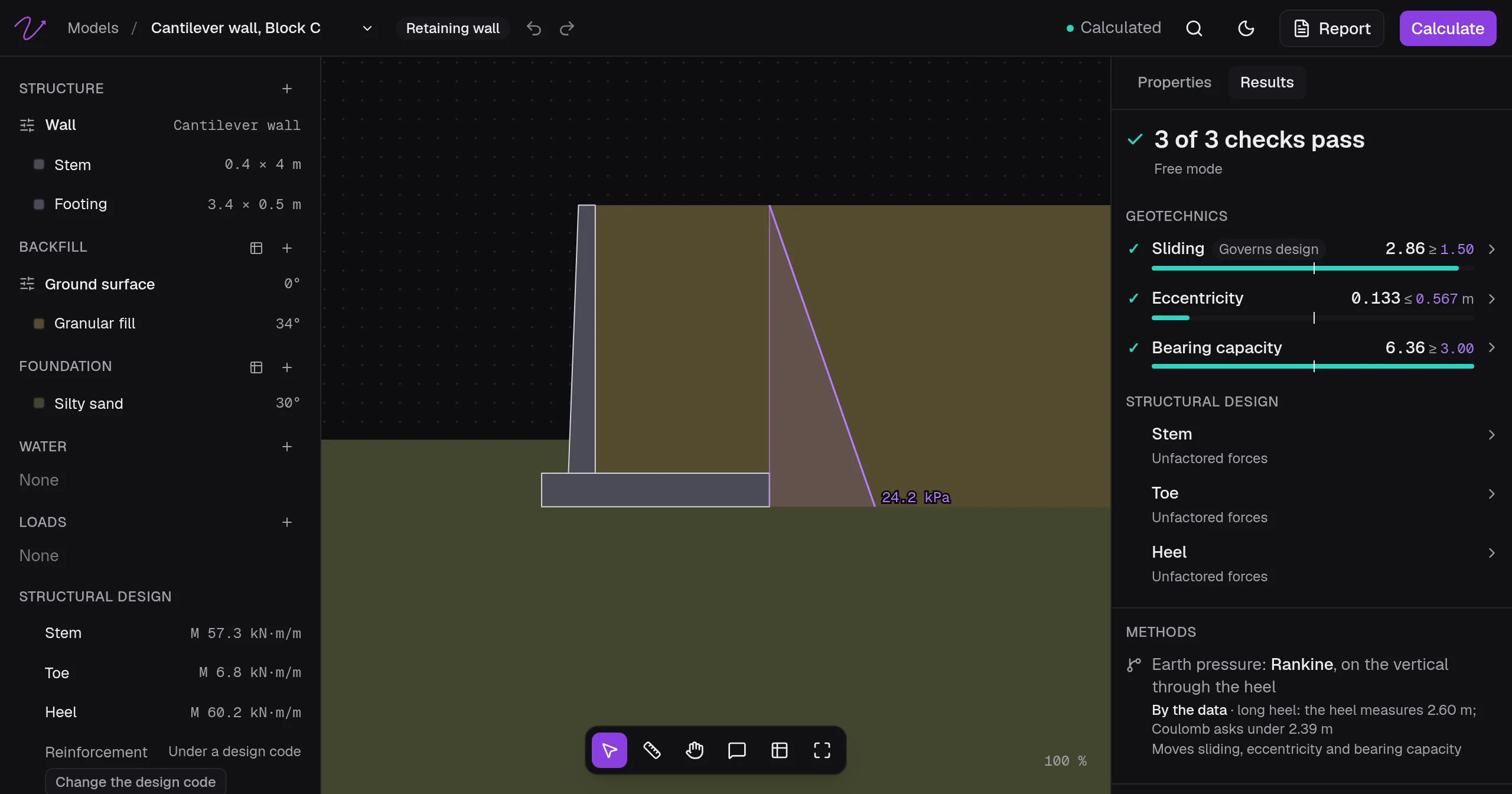
A retaining wall is checked for sliding on its base, for the bearing capacity of the soil under it, and for the eccentricity of the resultant, which AASHTO LRFD uses in place of the old overturning check (Article 11.6). A free retaining wall tool should cover all three and show the earth pressure behind the wall that drives them.
Rischio’s free retaining wall calculator needs no account. It takes a cantilever or gravity wall, the backfill and the soil it stands on, works out Rankine’s active pressure on the vertical plane through the back of the base, and checks sliding, bearing and eccentricity on a one-metre slice of the wall, with the same engine as the studio. The lateral earth pressure calculator gives the active, at-rest and passive thrusts by Rankine and Coulomb.
To keep the wall and design it whole, Rischio’s free retaining wall design software takes cantilever, gravity, gabion and MSE walls, layered backfill and foundation, water, surcharges and a pseudo-static earthquake, and designs a cantilever’s stem, toe and heel by AASHTO LRFD. The step-by-step retaining wall design works one through by hand.
Free foundation design software
For footings, the free bearing capacity calculator works out the ultimate and allowable bearing capacity of a square, rectangular or strip footing by Meyerhof’s general equation, with a horizontal load and a moment along its width if there are any. Rischio’s footing design tool adds moments in both directions, sliding, the elastic settlement and the consolidation of each clay, on layered soil.
For piles, the free pile capacity calculator works out the shaft resistance stratum by stratum and the toe resistance of a driven or bored pile in clay and sand, and a group’s capacity with block failure in clay. Rischio’s pile foundation design tool adds settlement, lateral load, downdrag and the pile’s section by AASHTO LRFD.
What Rischio’s free plan includes
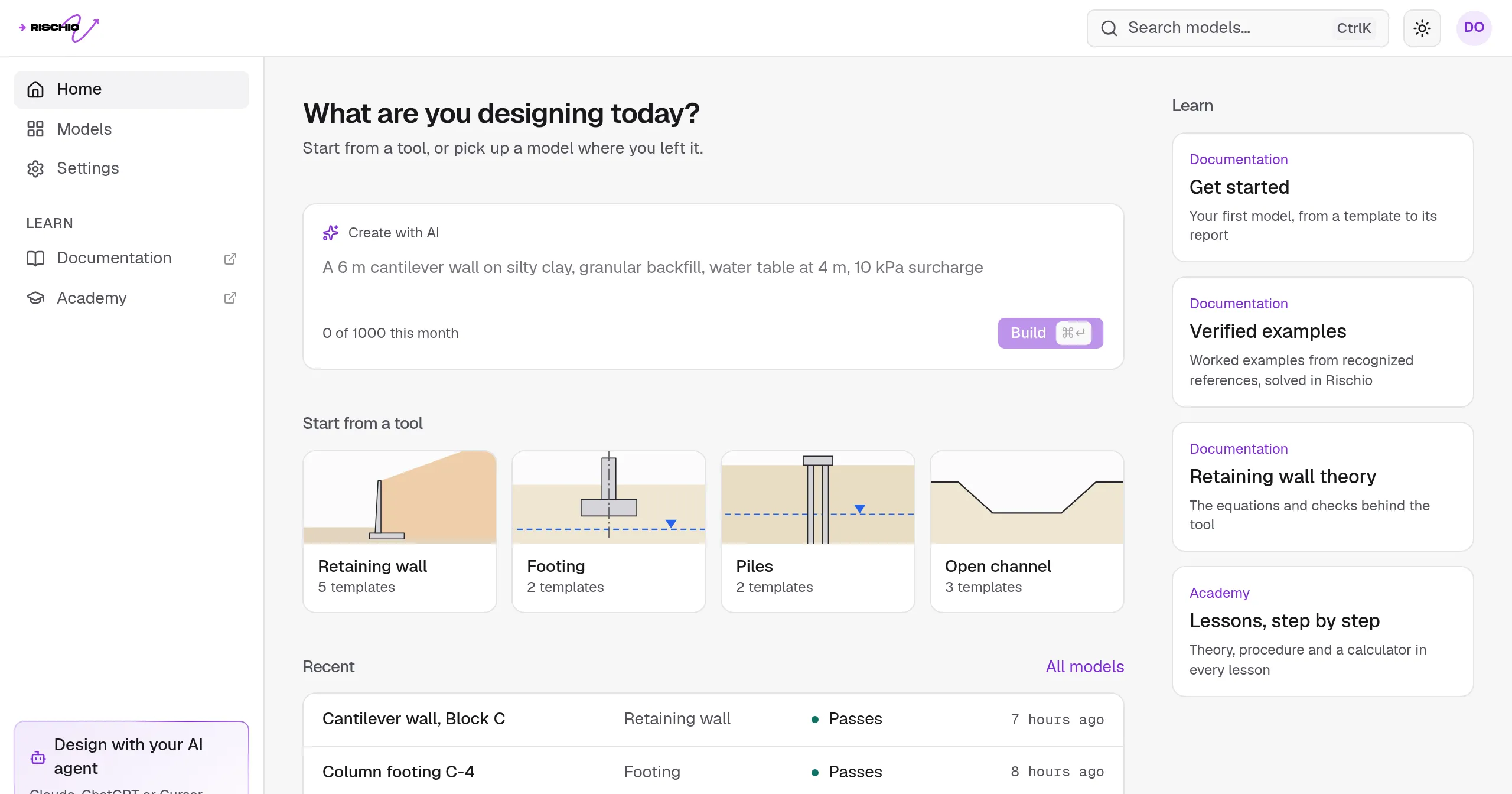
Rischio runs in the browser, so there is nothing to install; you sign in from any computer and your models are there. The Free plan has:
- all four tools (retaining walls, footings, piles and open channels) on the real engine;
- new models while you have fewer than 3;
- every equation and every value in sight;
- Create with AI, which builds a model from a description in plain words, for 10 models a month;
- the calculation report, as a preview;
- help by email within 3 business days.
The wall, footing and pile tools check with the factors of safety you set or by AASHTO LRFD, 10th edition. Every account starts with a 14-day trial of Professional, with no card needed. Students and teachers with an academic email get Professional free for 6 months on the Education plan, with reports marked for educational use.
The engine is checked against worked examples from recognized references, and the answers are published side by side as verified examples. The docs set out how each tool calculates, its equations and its limits.
Free calculators, no account needed
| Calculator | What it gives |
|---|---|
| Retaining wall | A cantilever or gravity wall’s earth pressure and its sliding, bearing and eccentricity checks |
| Lateral earth pressure | Rankine’s and Coulomb’s coefficients and the active, at-rest and passive thrusts |
| Bearing capacity | A footing’s ultimate and allowable bearing capacity, by Meyerhof’s general equation |
| Pile capacity | A pile’s shaft and toe resistance through clay and sand, and a group’s capacity |
| Manning’s equation | The normal depth in an open channel, with its velocity, Froude number and critical depth |
| Phase relations | A specimen’s void ratio, porosity, degree of saturation and densities |
| Sieve analysis | The grading curve, D10, D30, D60, Cu and Cc |
| Hydrometer analysis | The grain size curve of the fines, by Stokes’ law |
| Atterberg limits | The liquid and plastic limits and the plasticity index |
| USCS classification | A soil’s group symbol and name |
| Proctor compaction | The maximum dry density and the optimum moisture content |
| Specific gravity | The specific gravity of the soil solids, Gs |
| Direct shear | The cohesion and friction angle from a direct shear test |
The first five run on Rischio’s engine, the same one as the studio’s; the laboratory ones go with the lessons of the Academy.
Frequently asked questions
Is there free geotechnical software?
Yes: spreadsheets, online calculators, programs from public agencies and universities, open-source codes, and free plans of commercial programs. Rischio has a Free plan with its four design tools, and free calculators that need no account.
Is there free retaining wall design software?
Rischio’s free retaining wall calculator checks a cantilever or gravity wall for sliding, bearing and eccentricity without an account, and its retaining wall tool, in the Free plan, designs cantilever, gravity, gabion and MSE walls.
Can I use free software on a real project?
The engineer of record checks and signs the design whatever tool produced it. What matters is that the method fits the project’s code, that you can follow every number, and that the tool has been checked against known answers. In Rischio’s Free plan the calculation report is a preview; the report as PDF and Word comes with Professional.
Do I need to install anything?
No. Rischio runs in the browser on Windows, macOS or Linux, and on a tablet.
Is there free geotechnical software for students?
Rischio’s Education plan gives students and teachers Professional for 6 months with an academic email, and the calculators and the Academy are free for everyone.
For a wider view of the programs in the field, free and paid, see the guide to geotechnical software.