

The calculation report
Rischio's calculation report: what it contains, how to print it, save it as PDF or export it to Word, add your letterhead and record its sign-off.
Each calculated model has its calculation report, the document you hand in: the summary of the checks, the model’s data, and every step of the calculation.
Open it
In the editor, Report; on the Models page, Calculation report, in the model’s menu. Both once the model is calculated and its results are up to date.
What’s in it
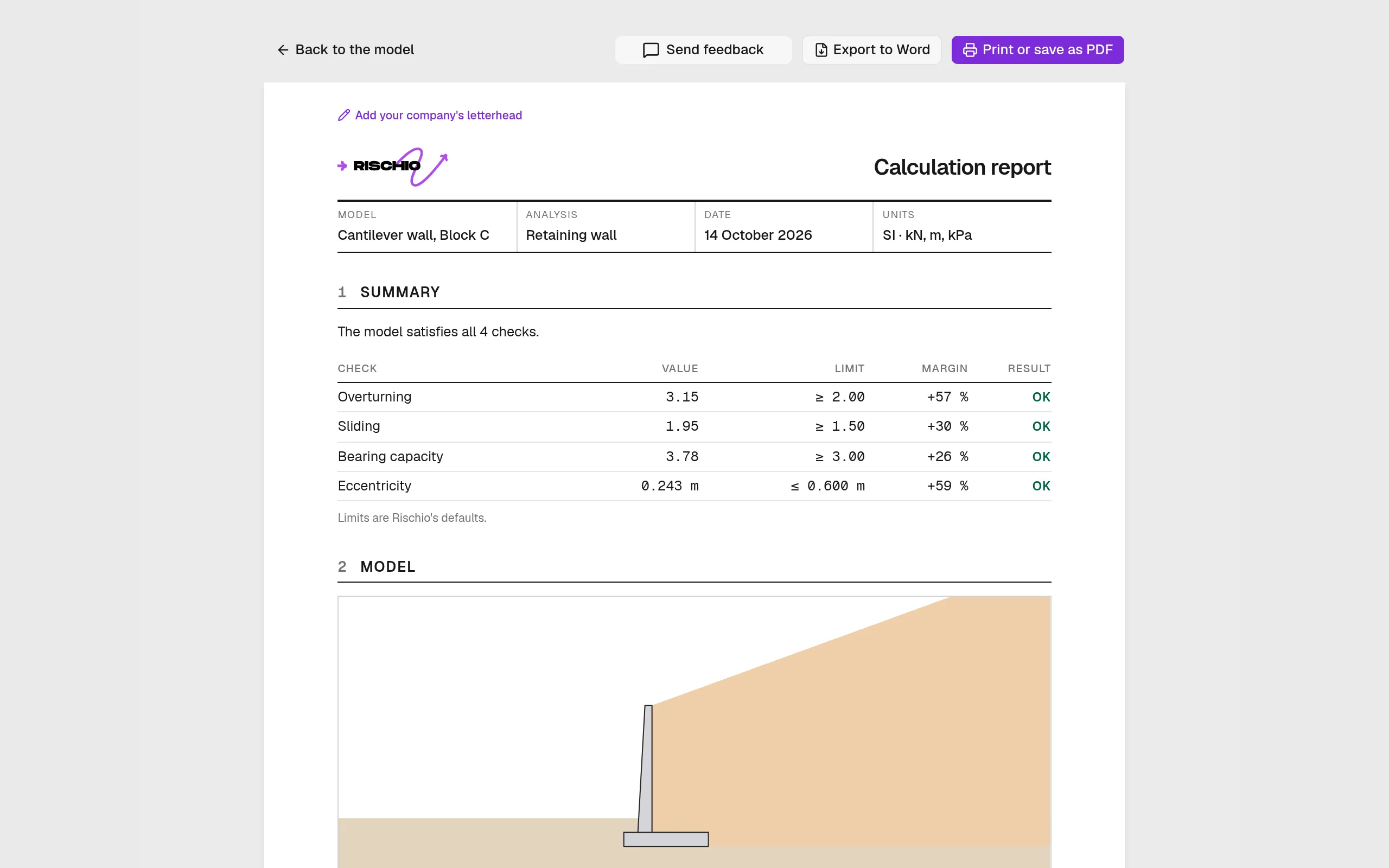
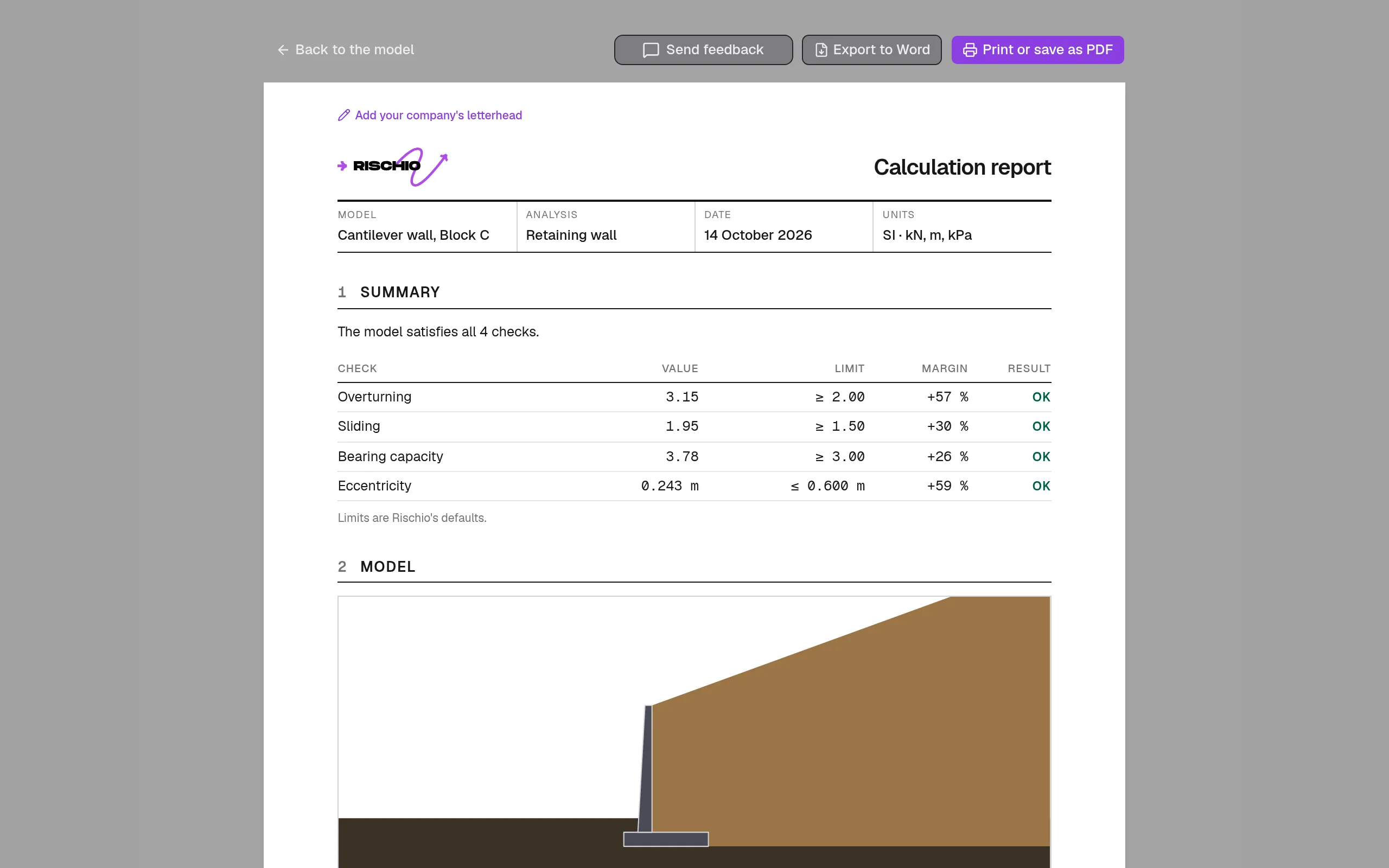
- A title block with your letterhead or Rischio’s, the model, the analysis, the date and the units (SI: kN, m, kPa).
- Summary: each check with its value, its limit, its margin and its result, OK or NOT OK.
- Model: the drawing of the section and the data, group by group.
- The calculation, one section per step of the tool (earth pressure, overturning, bearing capacity, settlement, shaft resistance, normal flow…), with its figures and each equation worked out.
- Notes: the model’s warnings.
The report is always in light colors, whatever the studio’s theme.
Print it, save it as PDF, export it to Word
Print or save as PDF opens the browser’s print dialog, where “Save as PDF” makes the file. Export to Word downloads a .docx to edit or to bring into your own report. Each page carries the model’s name and its number.
| Plan | The report |
|---|---|
| Free | A preview, with a watermark |
| Professional, and its trial | Print, PDF and Word |
| Education | Print, PDF and Word, marked “Educational use” |
Your letterhead
With Professional, Settings › Letterhead puts your company on the report: a logo (PNG, JPG or WebP, up to 1 MB), its name, and its address and contact.
Its sign-off
The Report record holds the report’s reference and who prepared and reviewed it, each with name, license, signature (drawn or uploaded) and date. Print it with the report adds it to the printed copy. The record stays in your browser, not in your account.