

Read the results
How Rischio shows a calculation: every check against its limit, the one that governs, each equation with its values, the diagrams and the notes.
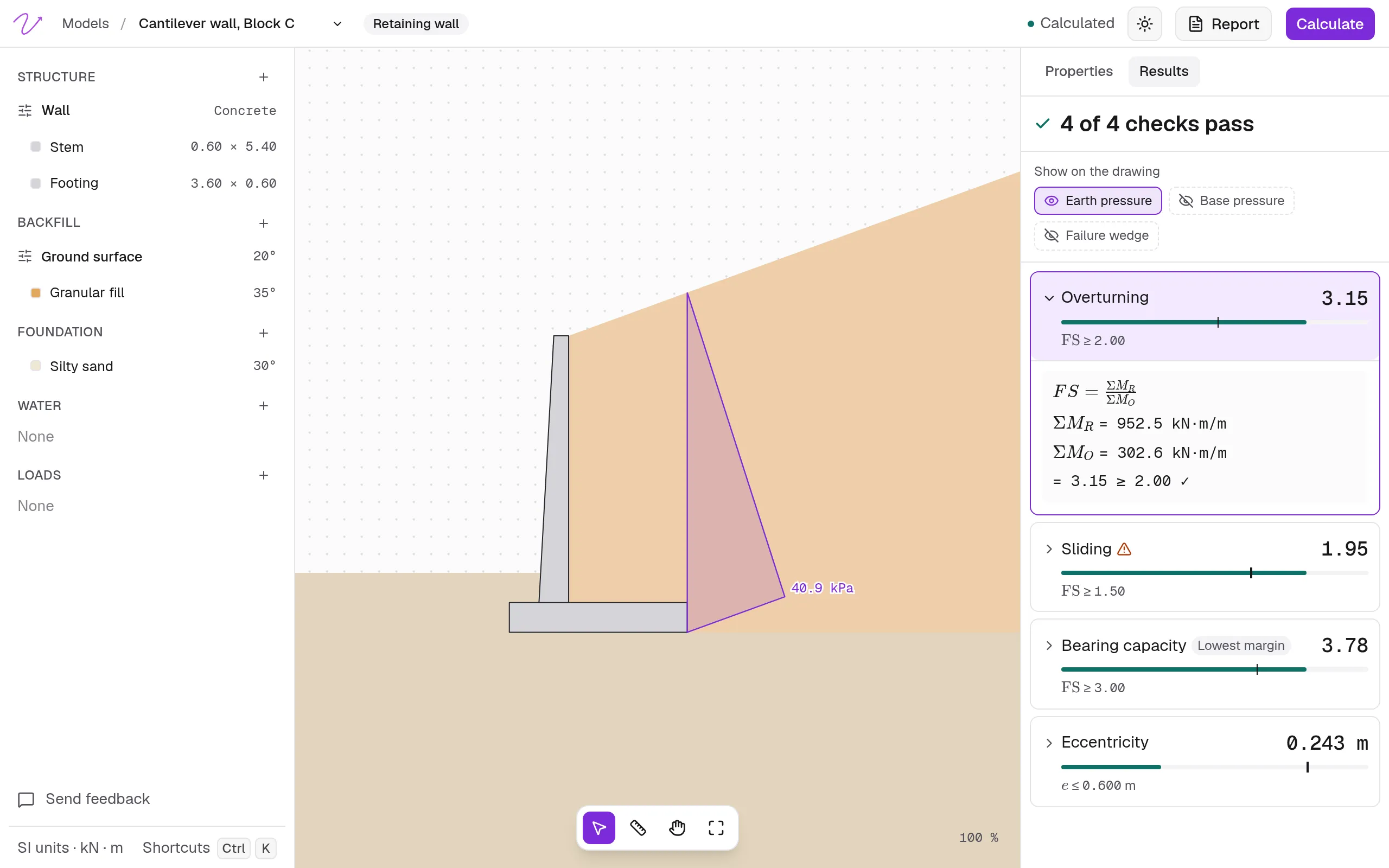
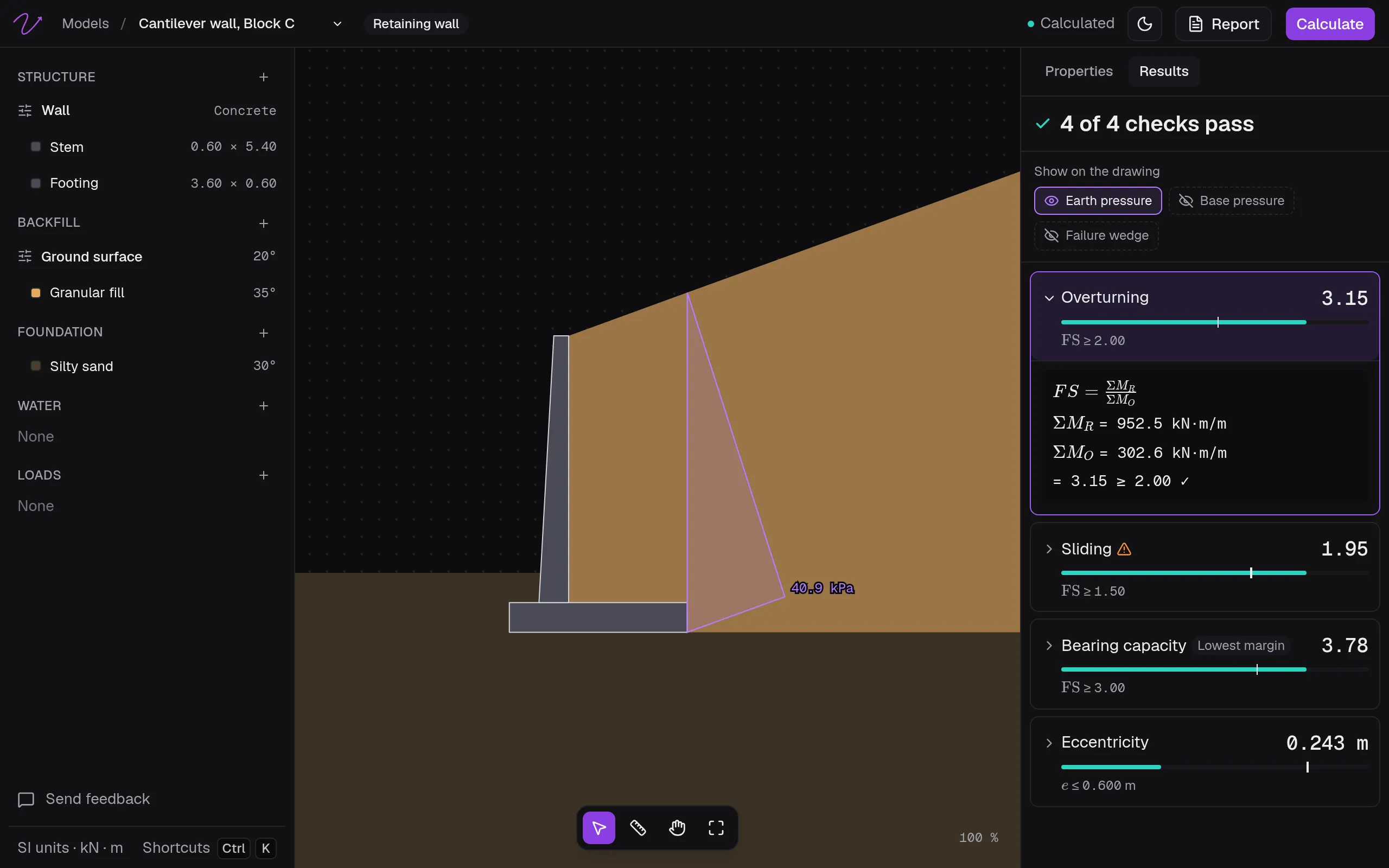
After Calculate, the Results tab opens. At the top is the verdict: how many checks pass (“4 of 4 checks pass”) or fail.
The checks
Each check shows its value, a bar against its limit and its criterion, such as FS ≥ 2.00. The one closest to its limit is marked Lowest margin: it governs the design.
View details opens a check: its equation, the value of each term, and the result against the limit. Every value comes from the data in Properties, through the equations each tool’s documentation lists.
| Tool | Checks |
|---|---|
| Retaining wall | Overturning, sliding, bearing capacity and eccentricity; in a gabion wall, overturning and sliding at each level too |
| Footing | Bearing capacity, eccentricity along each side and, with elastic properties, settlement |
| Piles | The single pile, or the pile group |
| Open channel | Bank-full capacity |
The limits are Rischio’s defaults: Default criteria.
When an assumption changes the answer, the check shows the design value first and the other one beside it. A retaining wall, for instance, can show a value Without passive resistance or Without the tension crack, and its note explains the difference.
The diagrams
Under Show on the drawing, each diagram turns on or off, and opening a check shows its own.
| Tool | Diagrams |
|---|---|
| Retaining wall | Earth pressure, water pressure, base pressure, uplift, failure wedge, gabion levels |
| Footing | Base pressure |
| Piles | Side resistance |
| Open channel | Normal depth, critical depth, rating curve |
In an open channel, View curve and data opens the rating curve with its table (discharge, water surface elevation and depth), and Copy data copies it for a spreadsheet.
The notes
A note about one check appears inside it; notes about the whole model, at the end. Each is marked as information, caution or danger. They’re the warnings each tool’s documentation explains, such as those of retaining walls.
When the model changes
Any change after calculating marks the results Out of date, and the panel says so until you calculate again.